
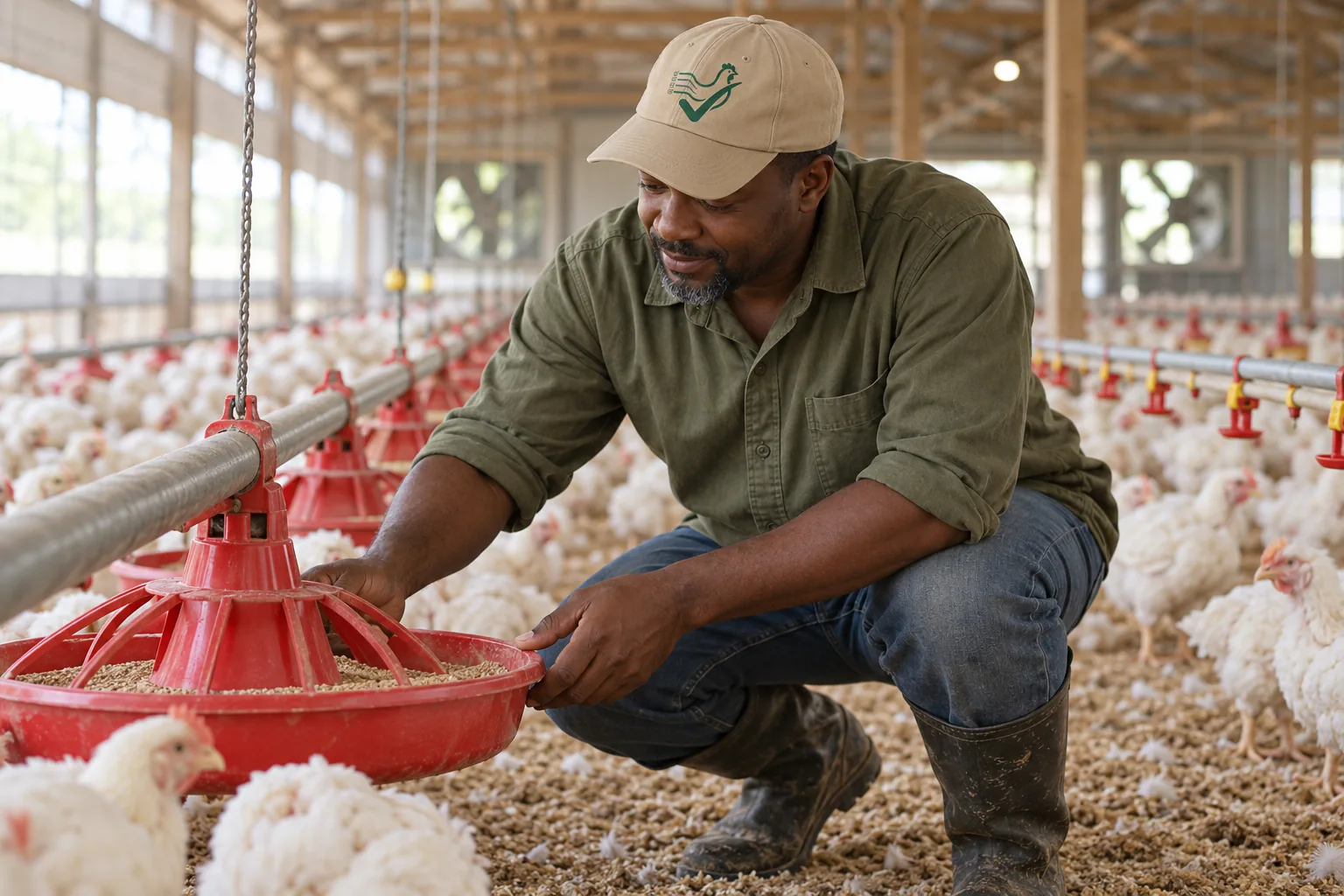
A buyer's guide for poultry management software exists to answer one question honestly: which tool fits your operation — not which tool is loudest. Contract broiler growers, independent meat producers, layer operations, and small mixed farms buy software for different reasons, and most category pages ignore that difference. This guide segments the buyers, lists what to evaluate in any tool with verification questions you can ask a vendor directly, compares tool categories (not unverified claims about specific products), and states plainly where PoultryLog™ fits and where it does not.
What Is the Best Poultry Management Software?
There is no single best tool — there is a best fit per operation type. A contract broiler grower needs poultry-native logging, settlement records, and cost-per-flock linkage. A layer operation needs bird-level or house-level production tracking that broiler tools rarely model. A small mixed farm often needs breadth over depth. The best software is the one whose data model matches how your operation actually makes money — and the fastest way to find it is to work through the segmentation below before you look at any product page.
Who Is Buying? Operation Segments and What Each Needs
| Segment | What the Software Must Do | What It Can Skip |
|---|---|---|
| Contract broiler grower (US integrator) | Daily house logs with time-of-day stamps; mortality, water, feed, weight against target; expenses tied to flock; settlement comparison; compliance records for audits | Egg production, pedigree/individual-bird tracking, crop planning |
| Independent / direct-market meat producer | All of the above plus processing records, direct-sales tracking, and branding/lot history for customers | Integrator settlement tooling (no settlement sheet to reconcile) |
| Layer or table-egg operation | Hen-day production, egg counts by house, molt and lighting programs, egg-date tracking | Grow-out weight curves, catch/exit records, FCR-to-settlement linkage |
| Mixed small farm (poultry + other species) | Breadth across species, simple inventory, task and health records for everything | Poultry-native depth: days-of-age modeling, house-level trend analysis, integrator compliance workflows |
| Consultant, vet, or extension advisor | Multi-client visibility, exportable reports, read-only review of grower records | Full farm operating suite for a single operation |
If a vendor's demo never mentions your segment's row above — for example, a broiler grower shown egg-production screens — that is the answer before you evaluate anything else.
What to Evaluate in Any Tool: The Criteria Checklist
These criteria are the ones that decide whether software survives contact with a real season. For each, the verification question is something you can ask any vendor, in writing:
- Poultry-native data model. Does the tool know what a house, a flock, days of age, and a placement are — or does it force poultry into generic "animals" and "fields" objects? Verify: ask to see a broiler flock entered from placement to catch in the actual product.
- Mobile logging in the house. Can a grower log mortality, water, feed, and notes one-handed on a phone, with offline capture and background sync? Farm internet is unreliable; a tool that needs a desk is a tool that stops being used in week three. Verify: ask for a live mobile demo, not screenshots, and ask what happens when the device is offline.
- Time-of-day on every entry. Operational logs without timestamps lose their diagnostic value — a water dip at 2 p.m. during a heat spike means something different from an all-day sag. Verify: enter a log in the demo and check whether the time is captured and shown.
- Cost tied to the flock. Can expenses be attributed to a specific flock and house, and does the tool compute cost per bird and margin per flock? This is the line between recordkeeping and management. Verify: ask to see a completed flock's cost breakdown in the product.
- Settlement or output reconciliation. For contract growers: can you record what the integrator paid and compare it to your own records? For direct sellers: can you record sales against lots? Verify: ask for the settlement or sales comparison screen.
- Compliance and audit exports. Can the tool produce dated records by house and flock — mortality, treatments with withdrawal dates, equipment service — exportable when an auditor or integrator asks? Verify: ask for a sample export of one month of records.
- Data ownership and portability. Can you export everything, in a standard format, on demand — including after you cancel? Locked-in data is the most expensive feature a tool can have. Verify: read the export terms before signing, and ask what format the export uses.
- Multi-user and permissions. Can workers log entries while the owner retains oversight, with roles separated? Verify: ask to see the permission settings, not just the user count.
- Support and training. Is there a human who answers during grow-out, and onboarding that fits a grower's schedule rather than a corporate rollout? Verify: ask what support looks like in your first two weeks.
Decision Matrix by Tool Category
Honest comparison means comparing categories, because specific products change faster than any guide. The three categories a poultry buyer actually chooses between:
| Criteria | Paper / Spreadsheet | General Livestock Software | Poultry-Specific Software |
|---|---|---|---|
| Poultry-native data model | No — you build the columns | Partial — poultry as one species among many | Yes — houses, flocks, days of age native |
| Mobile logging in the house | No | Usually mobile, often desktop-shaped forms | Yes when built mobile-first — verify in demo |
| Time-of-day capture | Only if you write it | Varies — verify | Expected — verify |
| Cost tied to flock | Manual, usually not done | Expense modules exist; poultry attribution varies — verify | Expected for broiler tools — verify |
| Settlement reconciliation | No | Rarely — verify | Expected for contract-broiler tools — verify |
| Audit export | Rebuild by hand | Standard reports, poultry-shaped questions vary — verify | Expected — verify with a sample export |
| Data portability | Yours, if you keep it | Check export terms before signing | Check export terms before signing |
| Cost profile | Free plus your time | Subscription, broad feature set | Subscription, focused feature set |
For the head-to-head product comparisons within the poultry-specific category, this blog keeps separate dated comparisons — see Poultry Log™ vs Farmbrite vs AgriWebb, best poultry farm apps, and app vs Excel. Those pages state their method and their date; re-verify anything time-sensitive with the vendor.
Questions to Ask Any Vendor Before You Buy
- Can I see a real broiler flock entered from placement to catch in the product, on a phone, offline?
- What exactly exports when I ask for my data, in what format, and how fast?
- How are expenses attributed to a flock — per entry, per invoice, or per month?
- What does support look like during a grow-out week, in my time zone?
- What happens to my records if I cancel — retained, exported, or deleted, and on what schedule?
- Which compliance workflows does this tool support for my market — US integrator audits, EU welfare records, or something else?
Where PoultryLog™ Fits — and Where It Does Not
PoultryLog™ is built for one segment and says so plainly: commercial broiler growers, especially contract growers under US integrators, who want daily records connected to profit — cost per bird, FCR, break-even, and settlement verification — kept audit-ready. Its strongest fit is the contract-broiler row of the segmentation table above. Its honest limits: it is not a layer production system, not a mixed-species farm manager, and not a backyard flock tracker — operations in those segments are better served by tools built for them. That is not a drawback of the tool; it is what focus means.
If you are in the broiler segment, the fastest evaluation is the one-flock trial this industry actually trusts: run one full flock in the tool, log the daily walk the way you already do, and compare what the record shows at settlement against what you remember. Details: how to use a broiler management app and best broiler farm management software.
Setting Up After You Choose
- Start with one flock, not the whole farm. Migration works best incremental: log the current flock fully while old records stay where they are.
- Enter the structure first: farms, houses, flock, placement date and count. Everything else hangs off these objects.
- Log during the walk, not after it. The tool's value comes from time-stamped entries made in the house — see the mobile logging guide.
- Compare at week two, not at settlement. Pull the first trend views early so surprises arrive while there is still time to act — growth bands and the water early-warning habit are the first checks.
- Keep the export habit. Whatever tool you choose, export your records periodically. Data you hold is data you own.
- Criteria derived from this blog's documented requirements: integrator records requirements, settlement reconciliation method, audit-ready records.
- Dated product comparisons (re-verify before purchase): Poultry Log™ vs Farmbrite vs AgriWebb; best poultry farm apps 2026; best poultry record keeping app.
- 2026-10-05: Comprehensive rewrite. Audience segmentation, nine-criterion checklist, category decision matrix, vendor question list, and honest PoultryLog™ positioning with stated limits — replacing the earlier short must-have list.
- Earlier version: short four-must-have buyers guide.