
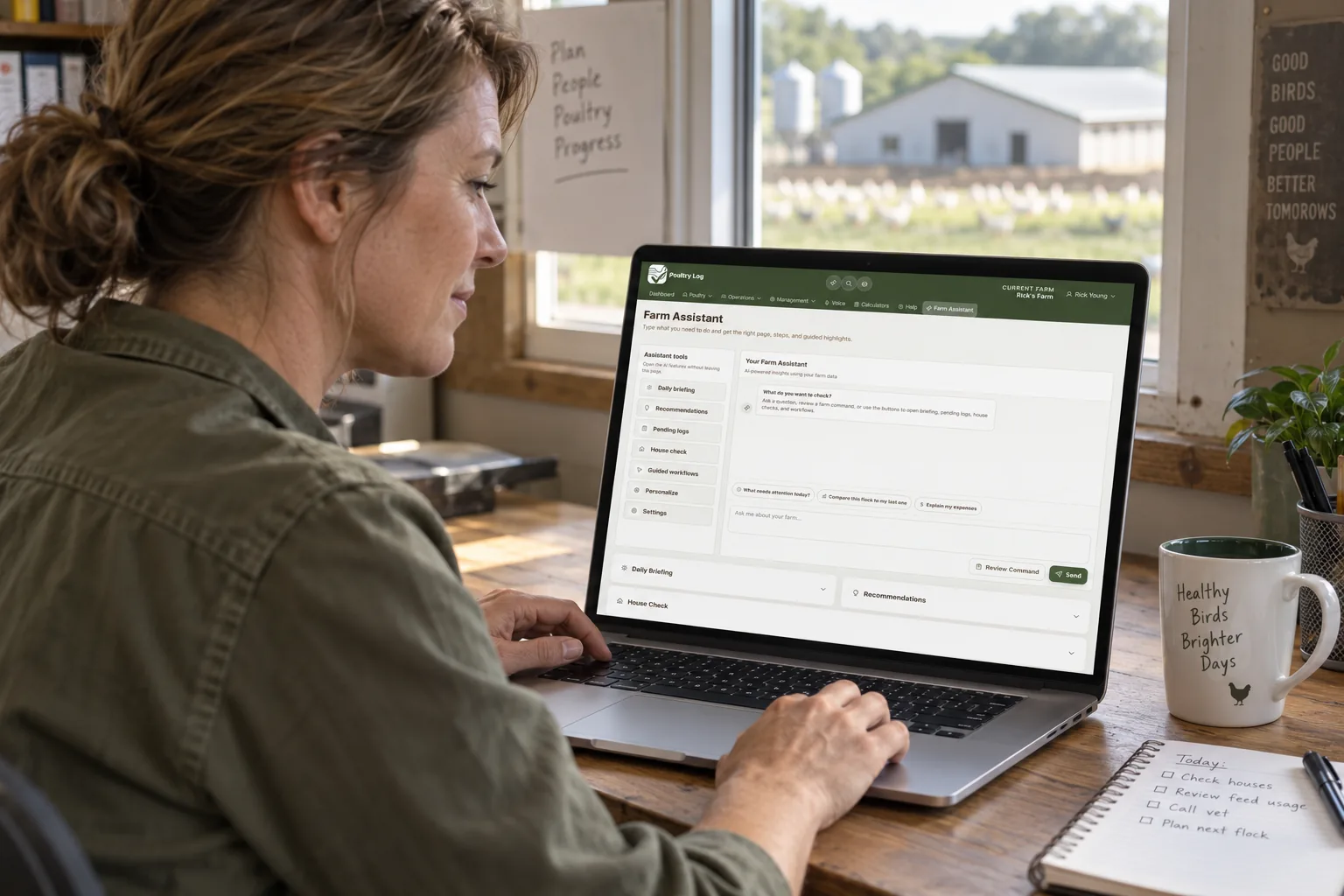
Getting Started with a Broiler Management App
Moving from paper records to a digital broiler management app is a change in workflow, but the change is smaller than most growers expect. The core task remains the same — walk through the house, observe the birds and equipment, and record the key data. The difference is that the recorder is a phone or tablet instead of a paper form, and the data becomes immediately useful instead of being stored in a notebook.
The first step is choosing the right app for the specific operation. A grower with one house needs different features than a grower with ten houses. A grower who reports to an integrator with specific record requirements needs export features that match those requirements. The app must be compatible with the grower's phone and with the available internet connectivity in the houses.
Setting Up Houses and Flocks
Once the app is installed, the initial setup requires entering basic farm information. Each house should be set up as a separate entity within the app. House details include the name or number of each house, the number of birds placed per house for reference calculations, and any notes about house characteristics that may affect performance.
When a new flock is placed, the flock is started in the app. Flock details include placement date, number of birds placed, breed or strain, and feed program or ration information.
Daily Data Entry During Walkthroughs
The daily workflow in a broiler management app should mirror the house walkthrough. Walk into the house, open the app, and select the house being visited. Record mortality for the current walkthrough, including the count of dead birds removed and the cause codes if the app supports cause tracking.
Tap the water consumption field to enter the meter reading from each house's water meter. If the app supports automatic calculation, it will compute consumption since the last reading and consumption per bird. Record any observations about bird health, equipment condition, ventilation settings, or other notable events.
Record feed delivery information when feed is added to the house, or record if the app supports daily feed tracking through feed line monitoring. The total data entry time during the walkthrough should be under two minutes.
Reviewing Data and Responding to Alerts
After the walkthrough, the app provides immediate feedback. Trends update with the new data. Deviation alerts are evaluated. Mortality trend rising above the threshold may trigger a closer look at the affected house. Water consumption dropping below expected may prompt a drinker system inspection.
The app should also support periodic review sessions where the grower looks at flock performance trends across all data types. These reviews typically happen weekly and provide strategic insight rather than the operational focus of daily walkthroughs.
Exporting Reports and Preparing for Audit
At flock closeout, the app generates reports for settlement comparison, record keeping, and audit requirements. Export the flock summary with mortality, water, feed, and health records. If the integrator requires specific data formats, verify that the app's export meets those requirements before relying on the app for audit preparation.
Building Consistent Habits
The key to success with a broiler management app is consistent daily use. Enter data during every walkthrough, not at the end of the day from memory. Review the trends and alerts the app generates. The data is most valuable when it is complete, timely, and used to inform decisions.
Troubleshooting Common Issues
When using a broiler management app, growers may occasionally encounter issues. If data does not sync, check internet connectivity and verify the app's sync settings. If calculations seem incorrect, verify that the correct bird count, house size, and placement date are entered in the setup. If the app is slow, check whether the device storage is full or the app needs an update. Most common issues are resolved by checking the basics, and app support teams are usually responsive to questions from users.
Turn Daily Entries into a Profit Review
Logging is only useful when it changes a decision. Enter every flock expense and income item, then review projected profit, [cost per bird](/blog/poultry-flock-cost-per-bird), cost per pound, and margin against prior comparable flocks. Connect feed, water, mortality, weight, labor, maintenance, and settlement records to the correct house and flock. When the app flags a change, assign a specific action and check whether the next reading improves. At closeout, compare the app's independent totals with the integrator sheet. The value of the app is not the number of records stored; it is the money saved when a grower finds a leak, avoids a loss, or proves a settlement discrepancy early. For more on the records-to-profit chain, see the [broiler farm profitability guide](/blog/broiler-farm-profitability) and the [broiler record keeping guide](/blog/broiler-record-keeping).
Start Your Free Trial
Poultry Log™ is built for commercial growers who need profit visibility, not just data storage. You can set up your first flock in minutes, log from your phone during walkthroughs, and see cost per bird and margin within the first week. [Start a free trial at poultrylog.com](/) — no credit card required, and your data stays yours.