
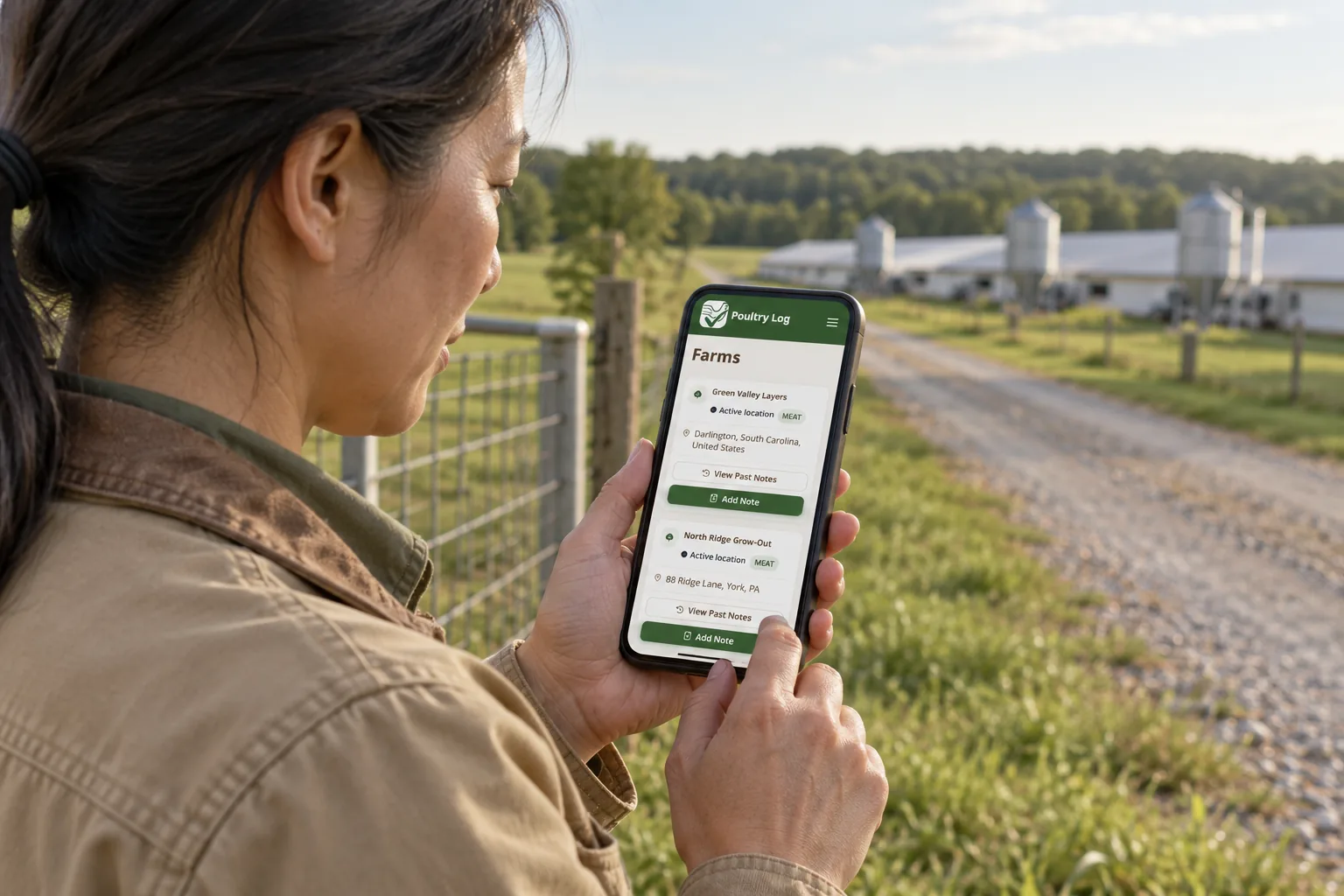
Compare poultry recordkeeping apps by the job you need
The best poultry recordkeeping app depends on your operation. A commercial broiler grower needs house and flock records linked to costs and settlement income. A breeder may prioritize lineage and incubation. A mixed farm may need several species in one account. Financial tracking is not exclusive to PoultryLog™.
Publisher disclosure: PoultryLog™ publishes this guide and sells the software described here. This is a review of stated features and selection criteria, not an independent ranking or a report of hands-on competitor testing. Source pages were checked on October 11, 2026. Plans and features can change; confirm them with each vendor.
What the source pages establish
- PoultryLog™: Our app supports house/flock operational records, expenses and income, financial CSV exports and processor compliance workflows. Use a sample flock to check expense attribution, permissions and the particular reports you need.
- FarmKeep: Its official pages describe livestock management including poultry, production records, income, expenses and financial exports. Verify your poultry workflow, flock-level costing and the plan containing your required exports.
- Flockstar: Its official app page describes poultry pens/birds, lineage, hatching, eggs and finances. Verify whether its bird/breeding workflow and reporting suit your commercial flock, and ask about your required export fields.
Sources: [FarmKeep features](https://www.farmkeep.com/features), [FarmKeep pricing and export descriptions](https://www.farmkeep.com/pricing), and [Flockstar's official app site](https://app.flockstar.com/). These sources do not establish which product is faster or more profitable. An unverified feature is a question for the vendor, not evidence that the feature is absent.
A practical comparison checklist
- Create your actual structure: farm, houses or pens, and current flock or birds. Check whether it matches how you work.
- Enter a mortality or production record on your phone. Check units, timestamp and corrections rather than relying on a speed promise.
- Add a grower-paid expense and income entry. See which flock they affect and whether totals reconcile to your own calculation.
- Export a sample. Check identifiers, dates, units and totals in the resulting file; confirm which plan includes it.
- Test a worker account separately from an owner account. Check what each can read and change.
- Ask about cancellation, access to historical records, offline scope and resynchronization. Do not assume every screen works without signal.
Which workflow should you evaluate first?
For commercial broilers, start with [broiler farm management software](/broiler-farm-management-software) and test one placement against your own records. For financial recordkeeping, use the [poultry expense tracking workflow](/poultry-farm-expense-tracking). For integrator teams collecting forms from growers, evaluate [processor compliance workflows](/processors), which is a different job from individual-bird tracking.
For breeding and hatching, Flockstar's stated focus makes it a candidate to evaluate. For several livestock species and farm activities, FarmKeep's stated scope makes it a candidate. Neither recommendation substitutes for testing your own requirements.
What this comparison cannot promise
No app automatically makes incomplete records accurate, guarantees audit acceptance or changes a settlement. PoultryLog™ provides records and financial views to support your review; your agreement and actual records determine the result. For a daily entry routine, read [choosing a poultry recordkeeping workflow](/blog/best-app-for-poultry-farm-recordkeeping). For file and permission checks, read [poultry data management](/blog/best-app-for-poultry-farm-data-management).