
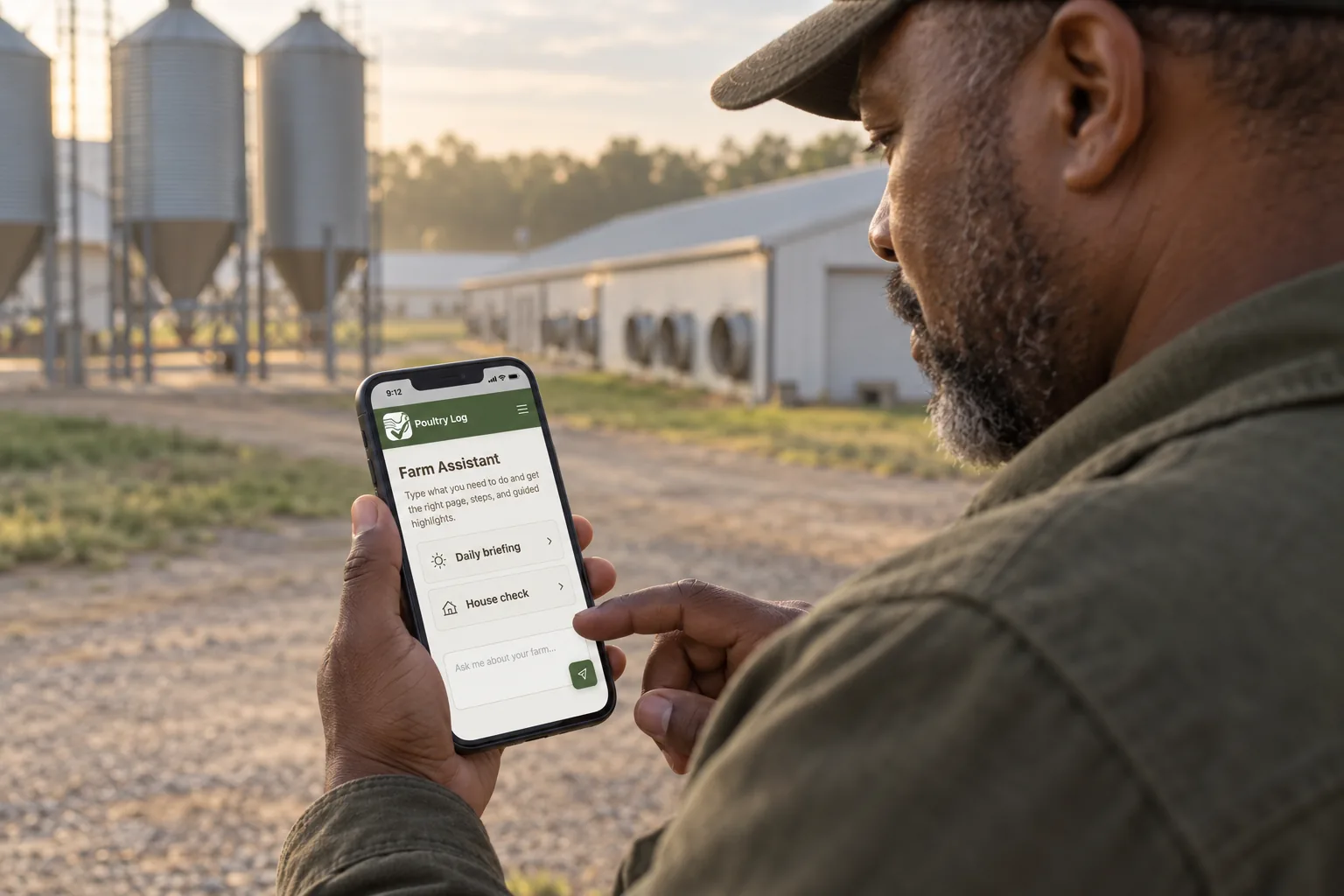
Weight tracking is where the growth curve meets the settlement sheet. A weight-tracking app earns its place when it stores individually weighed samples — not group estimates — computes the distribution, and compares the flock against the breeder curve for its strain and age. This page covers what weight tracking demands for poultry specifically, what to verify in any app before you trust its trend lines, and where PoultryLog™'s record set stands against those demands.
What Does Weight Tracking Demand?
| Demand | Why It Matters | What to Verify in Any App |
|---|---|---|
| Individual sample weights, not group totals | The distribution — average, standard deviation, CV% — is what reveals an access problem; a group weight gives you an average with no story | Enter 10 individual weights; confirm the app stores each, not just the mean |
| House-level and date-stamped history | A weight trend without house attribution cannot answer "which house is behind?" | Check that samples attach to house and date automatically |
| Strain- and age-aware targets | Cobb 500 and Ross 308 curves differ by week; a flat "target weight" mislabels healthy flocks | Ask which breeder curves the app compares against, and for mixed-sex or sexed flocks |
| CV% computed automatically | Uniformity is the metric that separates "light flock" from "wide flock" — different problems, different fixes | Confirm CV% calculates from your samples, not as a manual spreadsheet step |
| Deviation bands, not just charts | Within 5% is on target, 5-15% is normal field range, beyond 15% earns investigation — the bands decide what action a number triggers | Ask how the app frames deviation — raw chart, or actionable bands? |
What to Verify Before You Trust the Trend
- Enter a real sample in the demo: 30 individual weights for one house — time how long it takes. If it is a typing project, weekly weigh-ins will not happen, and the trend line dies with the habit.
- Check the CV% math: enter known weights and confirm the standard deviation and CV% compute correctly. One wrong calculation poisons every comparison that follows.
- Ask for the strain comparison: load a sample at day 21 and see what the app compares it against. A generic "target weight" is not a breeder curve.
- Confirm export with individual weights intact: weight records feed the settlement calculator and the settlement comparison — group averages in the export lose the distribution you paid to collect.
Where PoultryLog™ Fits
PoultryLog™ stores individual sample weights per house with dates — computing average, CV%, and the comparison to breed target automatically — so the weighing protocol lands in the record without a spreadsheet step. Weekly weigh-ins feed the ADG chart comparison, the action bands, and the uniformity series. It is strongest for contract broiler growers whose weight records serve growth tracking and settlement; for honest limits and other segments, see the buyer's guide.
Where the Money Shows Up
Weight records pay at three moments. Grow-out: a flock 10% light at day 42 finishes about 0.64 lb per bird short — roughly 19,200 lb across 30,000 birds — and the weekly weigh-in is what catches it while the recovery window is still open. Catch timing: the catch economics decision is only as good as the weight data behind it. Settlement: average weight is a settlement line item — your independent samples are what check the integrator's scale against your own, per the comparison method.
- Poultry management software buyer's guide — parent evaluation framework.
- Broiler growth chart — the breeder target curves.
- Weighing protocol — how to collect samples the app can use.
- 2026-10-05: Comprehensive rewrite. Demand table, verification drill, and honest positioning under the buyer's guide — replacing the earlier self-ranking version.
- Earlier version: "best app" ranking with unverified competitor claims.