
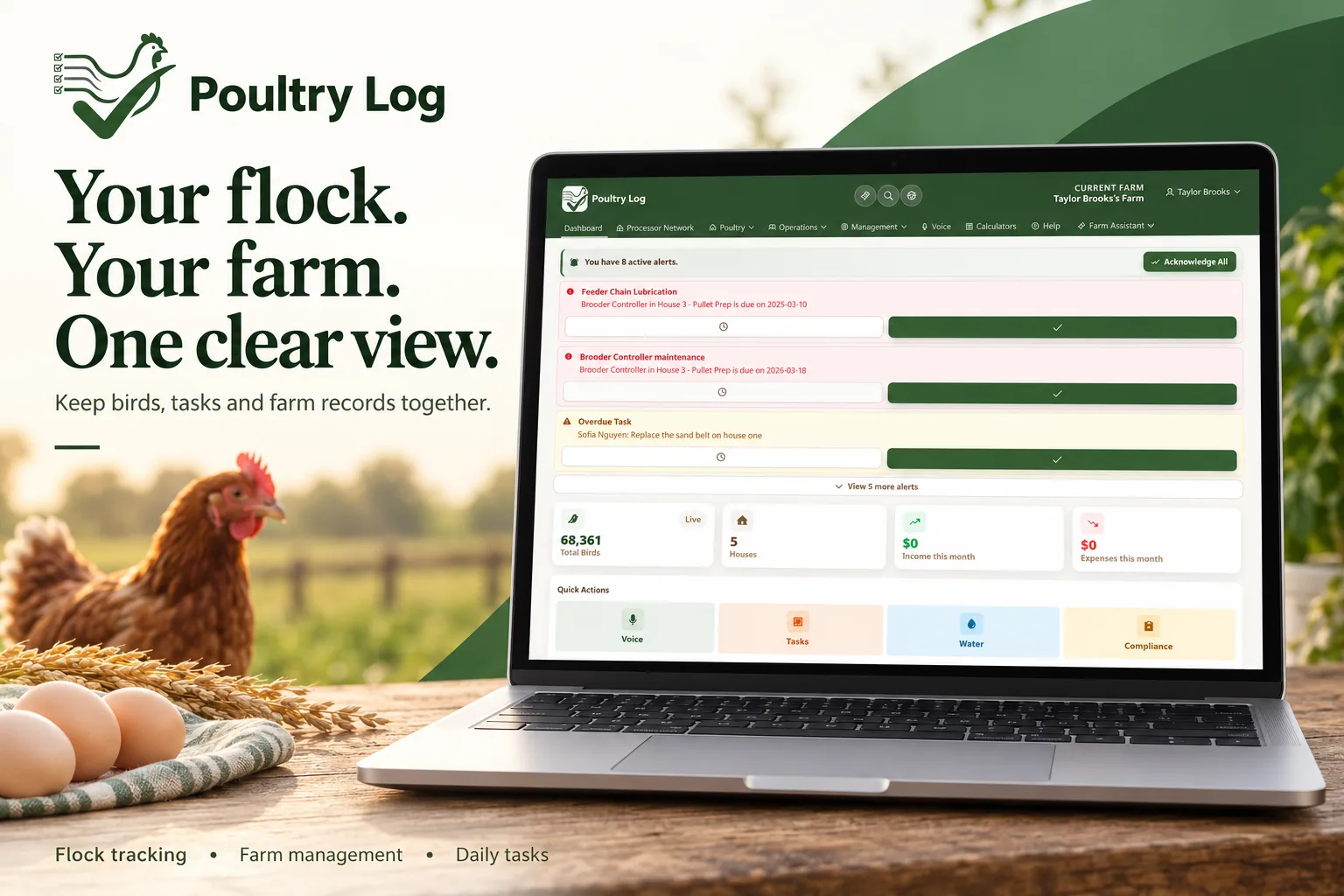
Switching poultry records from paper to a digital system fails for one predictable reason: growers try to bring everything, and the backlog of old notebooks kills the new habit before it forms. The workable path is narrower — inventory what paper currently holds, start the new record at a clean boundary (a new flock or a new month), keep the old notebooks read-only for reference, and backfill only what is still needed for an active decision. This page covers that migration method, what to carry over from paper, and what to deliberately leave behind.
What Paper Actually Holds
| Paper Record | Still Decision-Relevant? | Migration Treatment |
|---|---|---|
| Current flock: mortality, feed, weights, observations | Yes — this is live operating data | Carry over the active flock; enter the last entry of each type so the new record starts from current state, not zero |
| Recent flock summaries (last 2-3 flocks) | Yes — for comparison and trend | Carry the summary numbers (final weights, mortality %, feed used, settlement) — not every daily line |
| Expense records (feed tickets, utility bills) | Partly — tax time needs categories and totals | Finance CSV import handles historical expense/income rows; keep the paper originals as backup |
| Old flock notebooks (3+ flocks back) | Rarely — unless an audit or dispute needs them | Leave in the notebook; photograph or file the indexes. Digital history starts now; the past stays searchable in paper form if ever needed |
| Handwritten calculations and estimates | No — they were estimates because paper forced it | Leave behind; the digital record computes the same figures from the logged data |
The Staged Cutover Method
- Pick the boundary, not a date: a new flock placement or the first of a month. Migrations that start mid-flock struggle with the "which system does today's mortality go in" ambiguity — that ambiguity is what kills the habit. A clean boundary removes the question entirely.
- Seed the current state before the boundary. Enter the active flock's placement data, latest weights, and the most recent feed and mortality entries so the new record starts from reality. The digital records guide covers the record types this includes.
- Run the old system read-only for one full cycle. Keep the notebook on the shelf — but do not write in it. If you find yourself reaching for paper, that is the signal a record type is missing or too slow, not that you should abandon the new record. The mobile logging guide covers the field-entry speed question.
- Import what is importable, transcribe what matters, ignore the rest. Expense and income history moves through the finance CSV import (Excel-compatible templates, available on the Growth plan and above); recent-flock summary numbers take minutes to enter by hand; older notebooks stay as paper reference.
- Verify the boundary at the first settlement. The first settlement comparison run entirely on digital records is the proof: settle, compare against your own logs, and confirm the record set you built is complete enough to stand on its own. The settlement comparison guide covers the check.
What Carries Over, and What Deliberately Does Not
Carry over: the active flock's state, two to three flocks of summary numbers for comparison, and expense/income history in importable form. Leave behind: per-day lines from old flocks, handwritten estimates, and any record you kept only because paper made structured tracking impossible. The point of the new system is that future records are structured as they happen — the migration's job is to make starting easy, not to reproduce the archive.
Tracking in Poultry Log™
PoultryLog™'s record set covers the daily flock data paper handled best on the walk — mortality, feed, water, weights with time-of-day — plus the expense and income records that paper handled worst — categorization, per-flock attribution, and totals. The budget template and cost per bird metrics work from the imported and logged data; the independent record of truth framing is why the structured record matters at settlement. If you are evaluating before switching, the software guide covers what to compare.
- 2026-10-06: Comprehensive rewrite as a staged migration method — paper inventory table, boundary-based cutover, and verified finance-import capability only — replacing the earlier version with fabricated first-person claims.
- Earlier version: first-person narrative about switching from paper.