
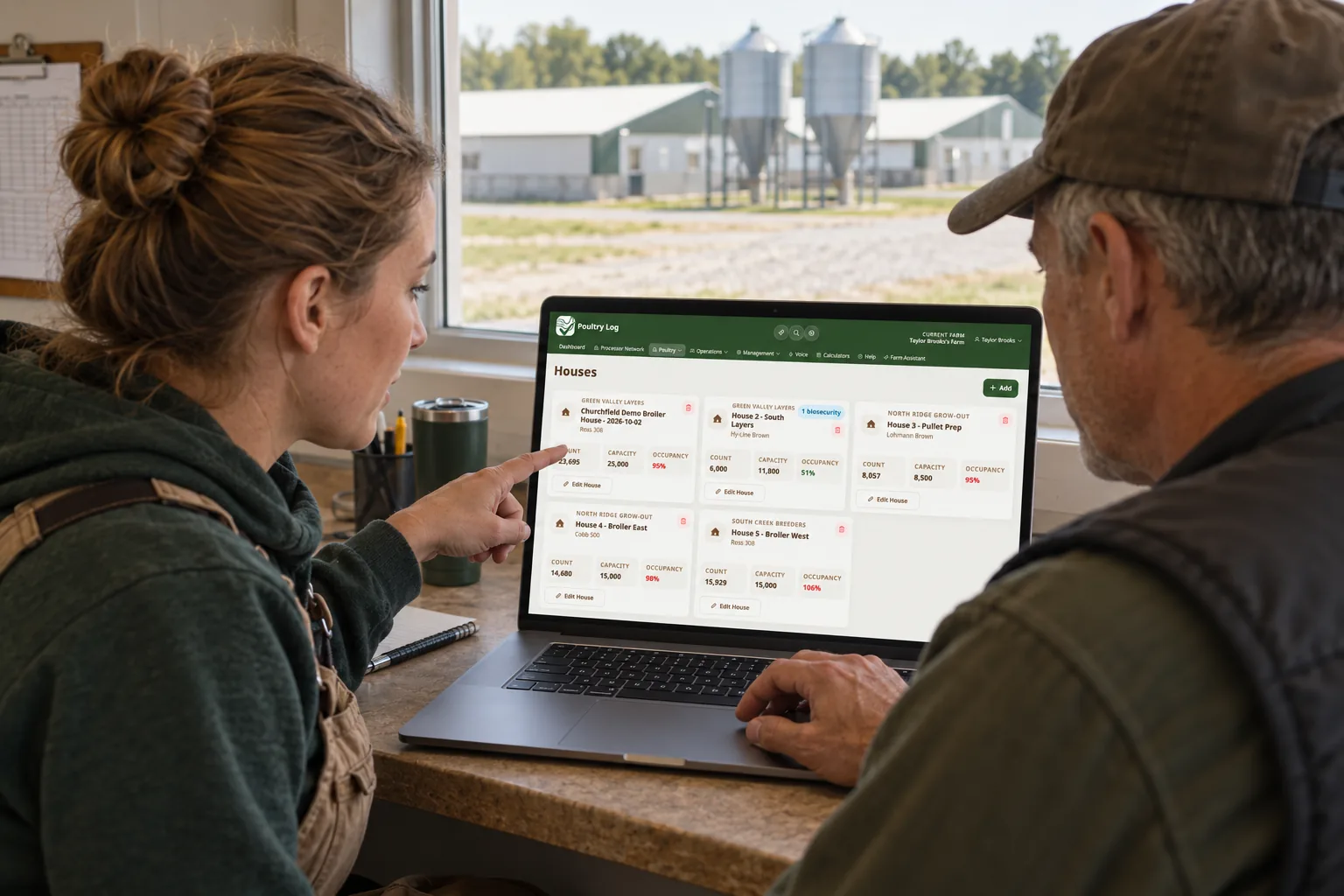
A notes app remembers what happened; it cannot tell you what it means. That distinction is the whole reason poultry records outgrow notes apps: every trend, rate, or comparison — mortality %, feed per bird, cost per pound — has to be computed by hand from prose, and the person who remembers which note buried which number is usually the same person who cannot afford to lose a week of flock records. This page covers what notes apps hold, how to migrate the record forward, and which note-keeping habits to leave behind entirely.
What a Notes App Actually Holds
| Note Content | What It Does Well | What It Does Poorly |
|---|---|---|
| Daily observations ("house 2 birds off feed, checked drinkers") | Capture is fast; search finds the text | No time-of-day structure, no numeric fields, no validation — the observation cannot join a trend line |
| Mortality tallies ("about 12 today") | Quick in the moment | "About" is a permanent word in the record; rates and comparisons require reconstruction, not lookup |
| Feed and cost mentions ("feed bill came in, seems high") | Preserves the reaction | The number is missing or buried; per-flock cost is uncomputable from prose |
| Photo attachments | Good for documents and receipts | Unstructured — a photo of a delivery ticket is not a feed delivery record until someone transcribes it |
The Staged Cutover Method
- Start at a clean boundary — new flock or new month. Notes apps are tempting to keep writing in "until the transition is done" — that dual capture is what kills both records. The paper migration guide covers the boundary principle.
- Seed current state from the recent notes. Pull the last week's observations into structured logs — mortality counts, weight readings, feed deliveries — so the active flock starts from reality. The mobile logging guide covers field-entry speed.
- Transcribe the numbers, leave the prose. Any note containing a count, weight, price, or date belongs in the structured record; pure observation prose stays in the archive. Expense history moves through the finance CSV import where it exists in rows (Growth plan and above).
- Close the notes app to flock records entirely. Keep it for what notes apps are genuinely fine for — lists, reminders, drafts — and remove the ambiguity about where flock data lives.
- Verify at the first settlement comparison. The first settlement checked against structured logs proves the record set is complete: the comparison method runs line by line from there.
What the Structured Record Adds
The trend questions notes could never answer become computed outputs: mortality rate per flock, feed per bird against the curve, cost per pound, and the multi-flock comparison — the profitability dashboard carries the last one. Observations keep their prose where they belong — as context attached to the structured entries that make them actionable, per the searchable records guide.
Tracking in Poultry Log™
PoultryLog™'s logs carry the daily flock record — mortality, feed, water, weights with time-of-day — and finance records carry expense and income per flock. Reports compute what the notes app forced you to calculate by hand. The poultry farm data guide covers what the record set contains; the software guide covers the evaluation if you are still comparing.
- 2026-10-06: Comprehensive rewrite as a staged migration method — notes-content table, boundary-based cutover, and prose-vs-numeric framing — replacing the earlier version with fabricated first-person claims.
- Earlier version: first-person narrative about switching from a notes app.