
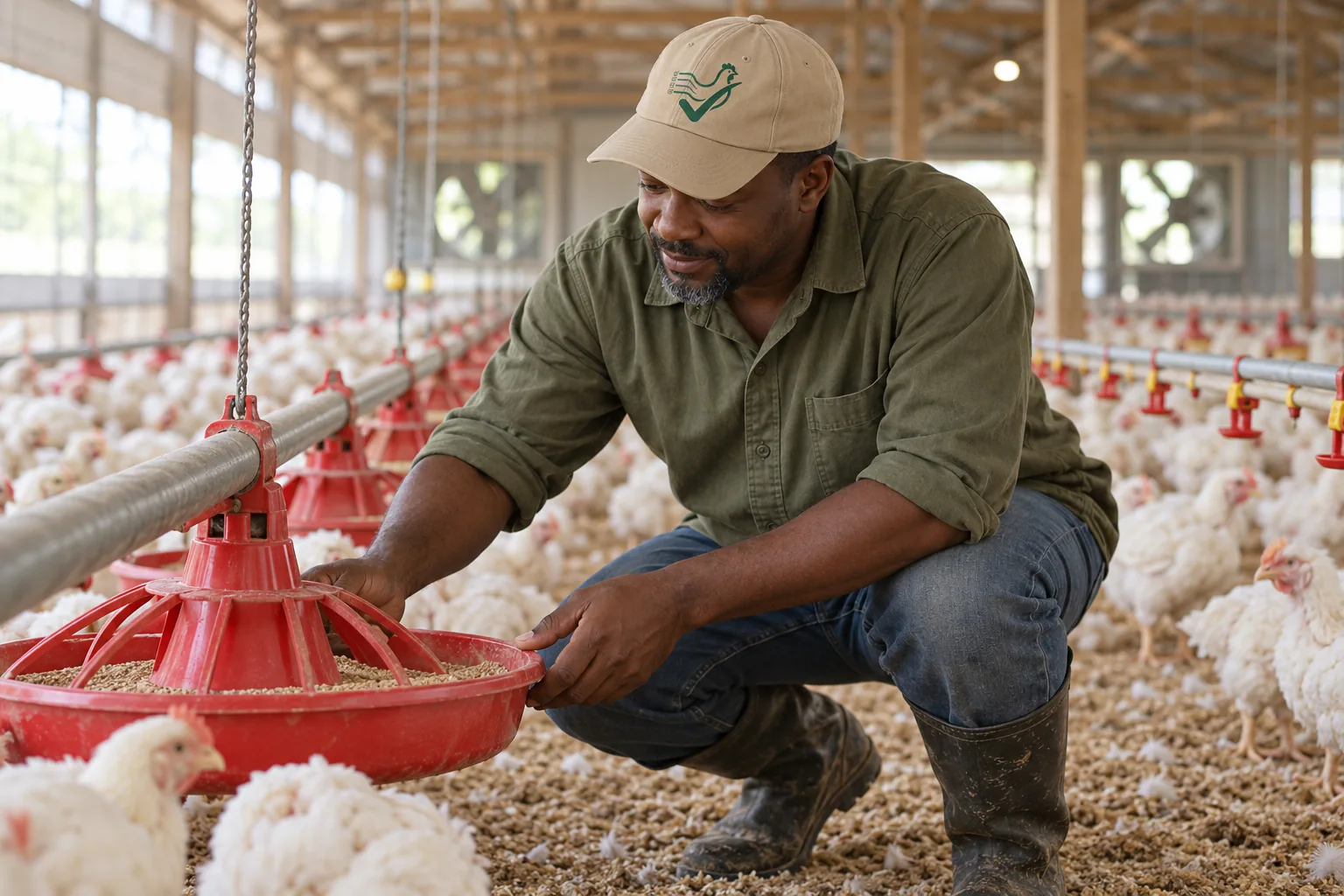
Desktop poultry software solves records at the office computer and loses them at the barn door — which is where most of the record actually happens. The typical failure is not that the old software is wrong; it is that entries made in the house get remembered, scribbled, or lost until someone walks back to the desk, and the desk is three hundred yards and one good memory away. Switching from desktop software to a phone-first system changes where the record lives, not what it contains — and the migration is mostly about deciding what the desktop data was holding and what the office workflow was actually for. This page covers both.
What Desktop Software Was Holding
| Desktop Role | What It Was Actually For | What the Migration Needs |
|---|---|---|
| Office entry (typing yesterday's numbers from paper) | Transcription, not capture — the record's real origin was the walk and the notebook | Mobile-first entry removes the transcription step entirely; the record gets written where the event happens, with time-of-day |
| Reports and summaries | The genuinely valuable part — the numbers leadership decisions ran on | Carry the report definitions (which figures, which periods) into the new system's reports; verify the first ones match the old software's output |
| Expense and cost records | Categorization and totals, usually maintained by one person | Expense history moves through the finance CSV import where it exists in rows (Growth plan and above); categories carry forward so year-over-year comparison survives |
| Documents and attachments | Stored beside the records they supported | Re-attach what still matters (contracts, settlement sheets) to the records they belong to — the backup guide covers the archive side |
The Staged Cutover Method
- Start at a clean boundary — new flock or new month. Mid-flock migrations force dual entry across two systems in two locations; the boundary removes the question. The paper migration guide covers the principle.
- Run the new system in the barn before the office. The field is where desktop software failed; prove mobile entry (including offline mode where connectivity drops) works for one full walk before migrating anything. The iPhone app guide covers the field device side.
- Seed current state, import what imports, re-point what reports. Enter the active flock's current numbers; move finance history via the finance CSV import; re-create the reports that carried decisions and compare the first month's output against the old software.
- Keep the desktop read-only for one cycle, then archive. Do not split entries across systems — the archive preserves history; the new system owns the record.
- Verify at the first settlement comparison. The first settlement checked against mobile-entered logs proves the field record is complete enough to stand alone: the comparison method covers the check.
What the Migration Changes
The record's origin moves from the office desk to the walk — entries land with time-of-day, at the moment of the event, instead of reconstructed the next morning. Reports, cost tracking, and per-flock attribution continue without the transcription layer between the barn and the bookkeeping. The digital records guide covers what the record set contains; the cost per bird guide covers the metrics that survive the move intact.
Tracking in Poultry Log™
PoultryLog™ is phone-first — the daily flock logs (mortality, feed, water, weights with time-of-day) are entered in the house, with offline support for barns without signal, and finance records with per-flock attribution carry the office side. Reports compute what the desktop software's reports held. If you are still evaluating, the software guide covers the comparison framework.
- 2026-10-06: Comprehensive rewrite as a staged migration method — desktop-role table, field-first cutover ordering, and verified capability claims only — replacing the earlier version with fabricated first-person claims.
- Earlier version: first-person narrative about switching from desktop software.