
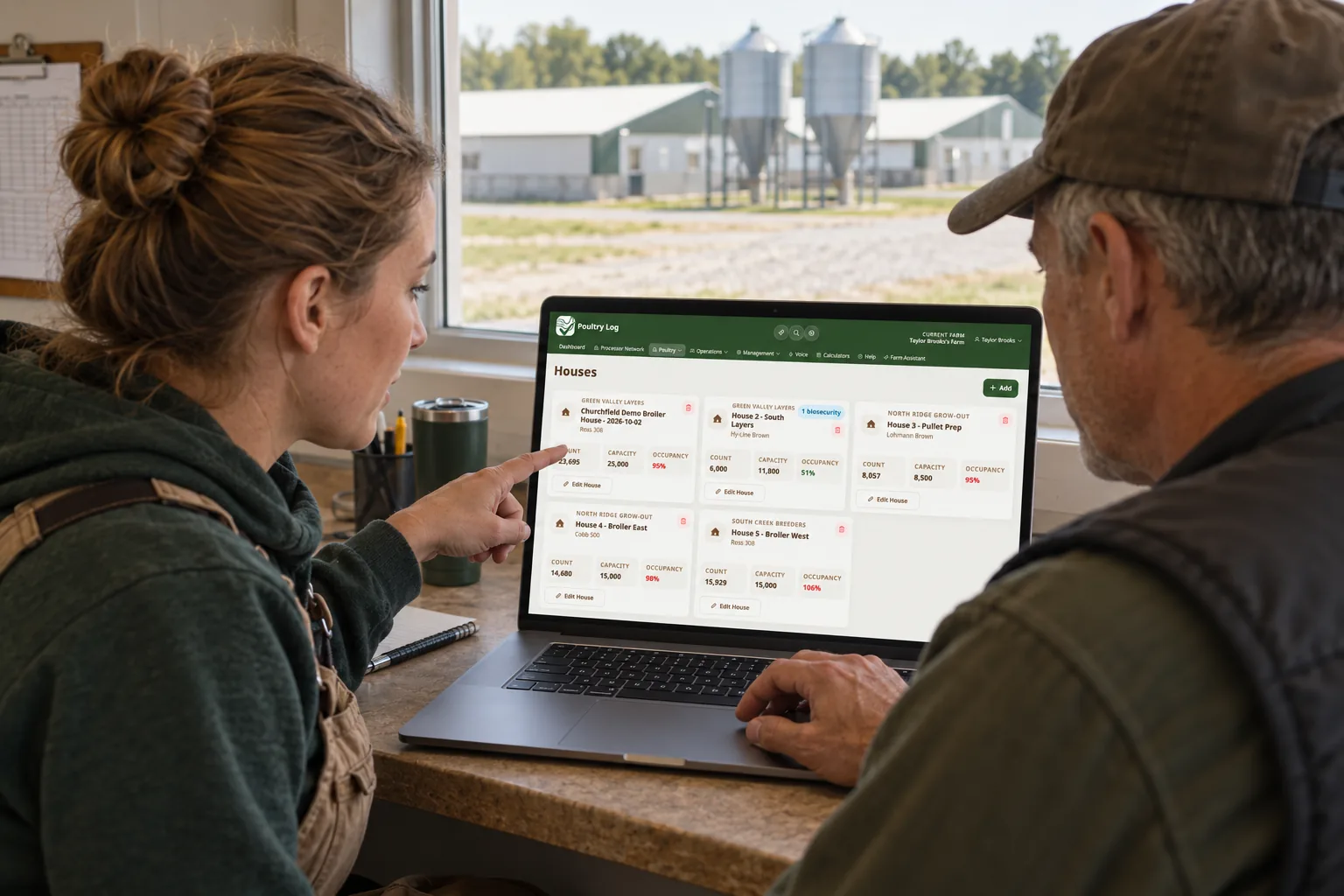
Growers leaving AgriWebb for a poultry-specific system face one question that decides the migration before any feature comparison: who else touches the record? On multi-person operations — a family farm, a crew, a partner who reads the reports — the second person's experience determines whether entries keep happening after the first month, and whether the record stays consistent enough to settle on. This page covers the team-access check for growers considering the switch from AgriWebb, the staged cutover, and what the migrated record produces. It makes no claims about AgriWebb's features — the check items are yours to answer against your own operation.
The Team-Access Check
| Question About Your Operation | Why It Decides the Switch |
|---|---|
| Who enters records, and on what device? | Each person's field conditions decide the migration's success — gloves, signal, barn light. The mobile logging guide covers the entry-speed standard. |
| Does a second person's entry look like the first? | Consistent structure per person is what makes the record settle-able. If entry style varies by person, the new system's structure has to enforce the pattern. |
| What does each person need to see? | The crew needs the walk's record set; the office needs the reports. Confirm the new system serves both without one person maintaining a shadow copy. |
| What does the export contain? | Pull one while you still have full access — daily logs, flock lists, financial rows — and check whether multi-person entry is preserved in the file. |
The Staged Cutover
The migration follows the cluster standard (the migration hub covers it fully): start at a clean boundary — a new flock placement or the first of a month; seed the active flock's current state; move finance history through the finance CSV import where rows exist (Growth plan and above); run one full cycle with every entry person using the new system — no shadow copies; verify at the first settlement compared line-by-line against the new record. The desktop migration guide covers the same run-the-field-first ordering.
What the Migrated Record Produces
One record structure regardless of who logs — mortality per house with time, weights against the growth chart, feed against the feed chart — and reports computed from that shared record: cost per bird, FCR per flock, and the profitability dashboard across flocks. The farm software comparison covers how multi-person operations should weigh systems; the tournament guide covers what the consistent record does for settlement position.
Frequently Asked Questions
What if only part of the team is ready to switch?
Run the boundary with everyone on the new system — partial adoption is where shadow copies start. If someone cannot switch at the boundary, delay the boundary; dual systems with partial users is the worst combination.
How do we train the crew without slowing the walk?
One full barn walk under real conditions per person, before the boundary — not a classroom session. The field app guide covers what testing should include.
What verifies the team record is complete?
The first settlement compared line-by-line against the record — the comparison method runs from there. A record that can settle a flock, entered by the whole team, is complete enough to run on.
- 2026-10-06: Comprehensive rewrite as an honest team-access migration guide — multi-person verification table, staged cutover reference, and no competitor feature claims — replacing the earlier version with fabricated first-person claims.
- Earlier version: first-person narrative about switching from AgriWebb.