
Start with the records behind the number
A settlement or sale tells one part of a flock's financial story. Fuel, repairs, labor and other grower-paid costs tell another. If those costs sit in a separate notebook, it becomes harder to see what changed between flocks.
Poultry Log brings expense and income records into the same application as the flock's operational history. The practical starting point is simple: connect each transaction to the farm and, when it belongs to a particular flock, select that flock too.
Capture costs while the details are clear
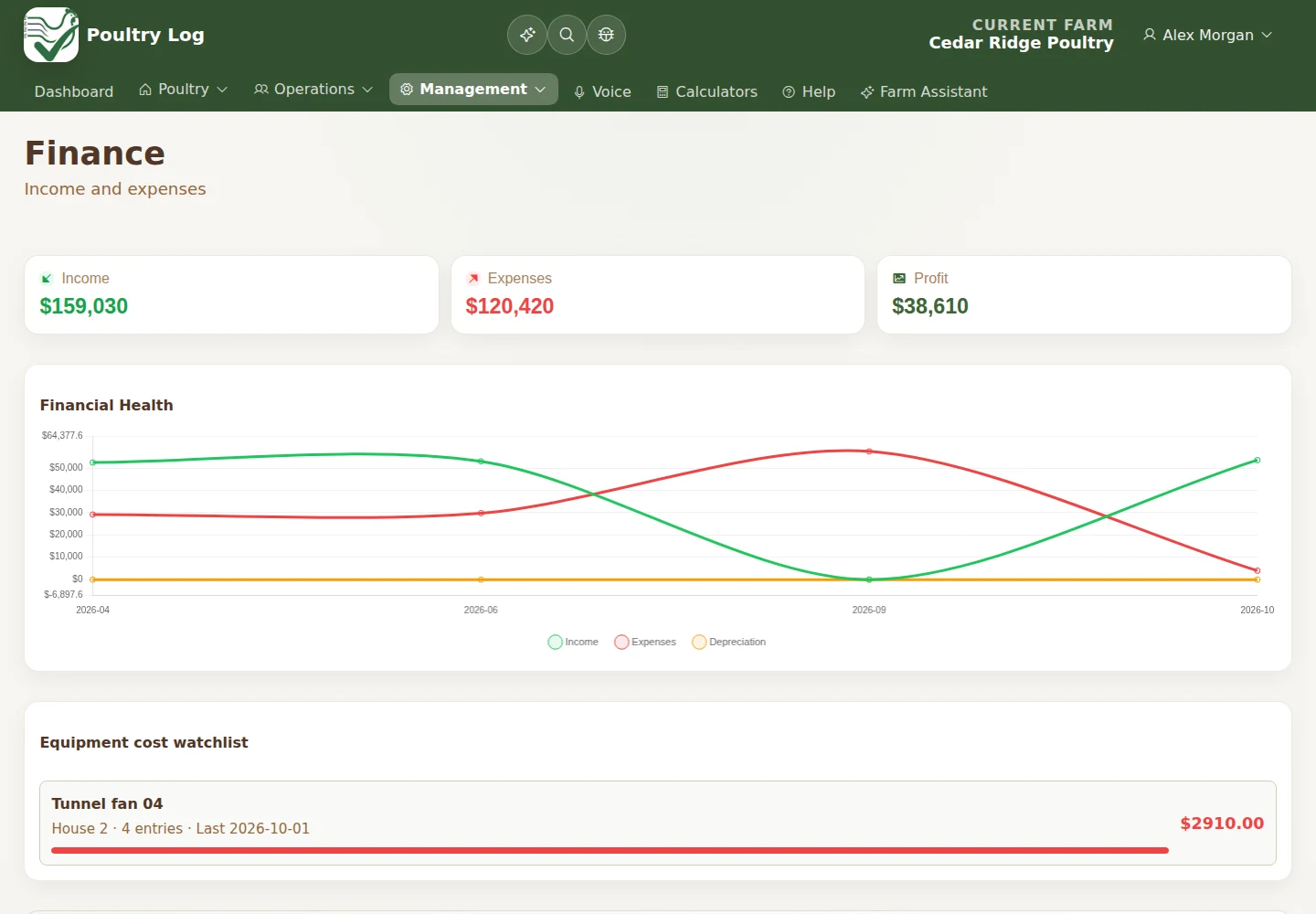
Open Finance and record an expense with its date, amount and category. Choose the relevant flock for a cost attributable to that group. Record income using the corresponding income workflow.
A repair may support several cycles, while a particular delivery may belong to one flock. Use a consistent attribution approach that fits your farm and accounting practices. Leaving a shared cost at farm level is more honest than assigning it to a flock merely to make a report look complete.
Review one flock before comparing two
Filter the finance records to the flock you want to review. Check whether the expected income is present and whether the grower-paid expenses have been recorded. Look for missing receipts, duplicate entries and costs that still need attribution.
Only then compare the result with a previous flock. A difference can reflect changed prices, flock length, repairs, or incomplete records. A chart is a starting point for that investigation; it does not establish the cause on its own.
Make the review lead to an action
Choose one question for the next flock. Did fuel spending increase? Is a recurring repair becoming expensive? Is a cost missing because nobody knew where to record it?
The useful outcome is a decision: check an invoice, assign a cost correctly, investigate a repair, or change how the next transaction gets captured. Poultry Log organizes the evidence for those decisions without promising a particular financial return.
A five-minute first review
Pick a recently completed flock. Check its recorded income, review the expenses attached to it, and identify any farm-level expenses that should be considered before drawing conclusions. Write down the one item you need to verify next.
Open Finance in Poultry Log to review your records. Sign in to use your farm's data.