
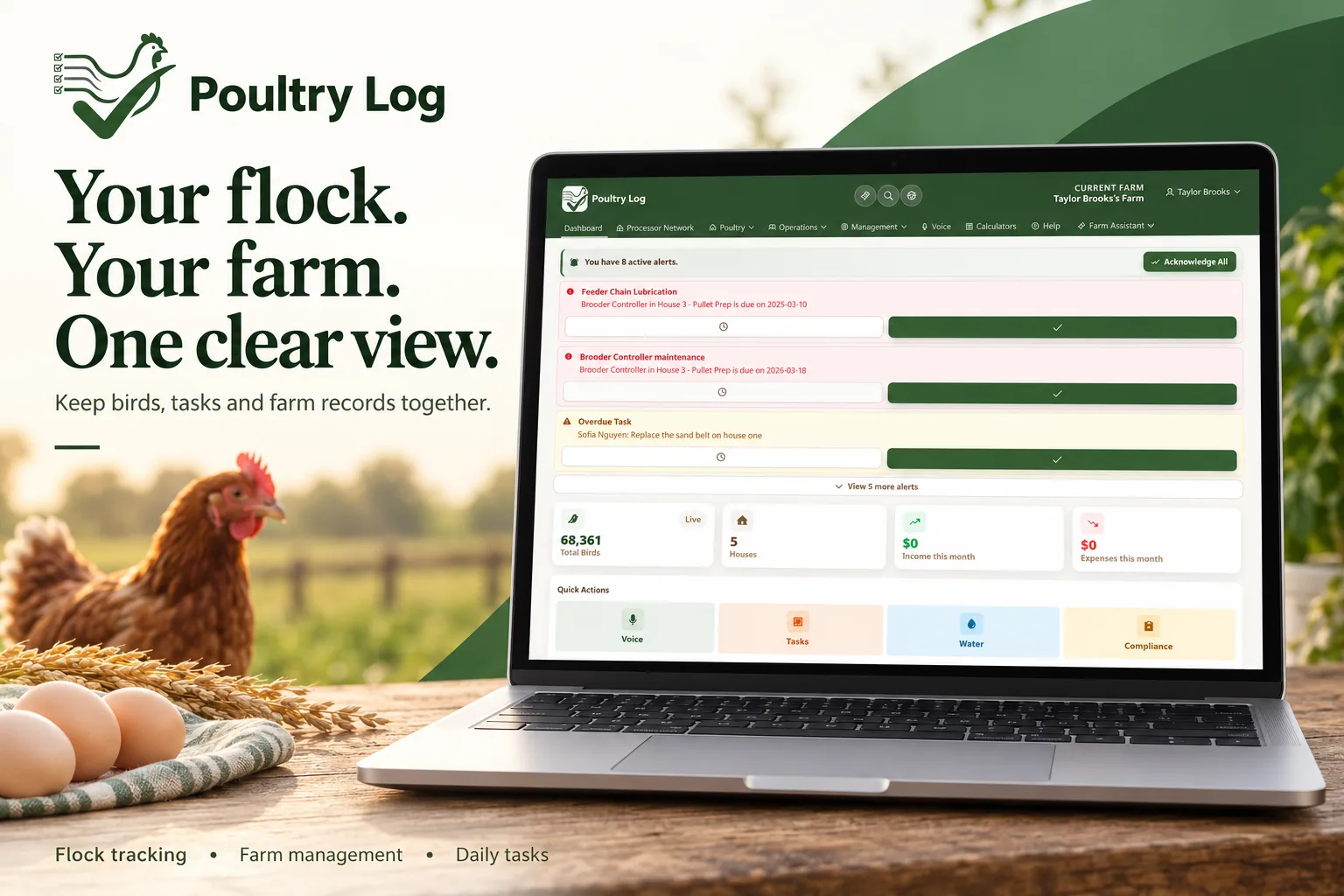
PoultryLog now connects directly to ChatGPT. That means you can ask about your farms, flocks, houses, water use, and alerts in plain language — from the same chat window you already use — and get answers computed from your own PoultryLog records. No spreadsheet exports, no logging into a second screen while the integrator is on the phone. This is the first time a broiler processor service has connected its live farm records to ChatGPT, and it works through the same permissioned, account-linked model the rest of PoultryLog runs on.
How the Connection Works
The connection uses OAuth — the same sign-in-with pattern you use for Google or other services. You never give ChatGPT your PoultryLog password, and PoultryLog never hands over more than you authorize:
- Open PoultryLog Settings → ChatGPT connection. Choose the workspace you want to connect and review what the connection will be able to read.
- Click "Link my ChatGPT account" and sign in. The sign-in proves which PoultryLog account you want to connect — matching email addresses alone is never used to link accounts.
- Connect PoultryLog inside ChatGPT. ChatGPT asks for permission to use PoultryLog; you approve it with the same account.
- Ask about your birds. Start with "What farms do I have?" to confirm the connection is reading your account correctly.
Everything after that is conversation. The connection reads your authorized farms, flocks, houses, metrics, and alerts — and when you ask for something to be recorded, it shows you a preview first and saves only after you confirm.
What It Can See — and What It Cannot
| ChatGPT Can Read (With Your Authorization) | Stays Private |
|---|---|
| Your farms, houses, and active or recent flocks | Your PoultryLog password — it is never shared with ChatGPT |
| Flock and house performance: weights, mortality, water, feed logs | Farms you have not authorized or that belong to another account |
| Active house alerts and metric history | Billing details, precise GPS, and street addresses |
| Compliance checklists and processor network records you can access | Any other grower's data — each connection is isolated per account |
Per-account isolation is enforced on the server, not just hidden in the interface: if a connection attempts to read a farm outside its authorization, the request is rejected. Disconnecting in PoultryLog Settings immediately denies further requests — that is your off switch, and it is in your hands, not a support ticket.
What This Means for the Day
The value is not the technology — it is what it removes from your day:
- Before the integrator calls: Ask "How is my current flock doing?" from your truck and walk into the conversation with your own numbers already in hand.
- When something looks off: "Which house looks unusual today?" or "Did any house have a water drop?" — the answer comes from your logs, with dates and units attached.
- Week-over-week decisions: Compare houses in a flock, or the same house across flocks, without building the comparison yourself.
- Records on the spot: Ask ChatGPT to log a mortality count or water reading, review the preview, confirm — and it lands in the same record set everything else is computed from.
Every answer ties back to the profitability picture. A water drop you catch on Tuesday is a health event you treat before it becomes a mortality spike — and mortality is one of the fastest-moving lines on the flock profitability dashboard.
Why a Broiler Processor Service Got Here First
Grower tools have shipped chat features before — but they were general assistants bolted onto farm software, answering from generic advice. PoultryLog's connection is different in one specific way: it is a processor-grade record system asking your own account for your own data. The same permissioned architecture that lets an integrator review a consenting grower's network — without ever seeing another grower's records — is what keeps a ChatGPT connection inside your fence. Broiler processing runs on that discipline of scoped, auditable data access, and it is exactly why the first trustworthy farm-to-ChatGPT connection came from this side of the industry.
For growers in a processor network, the connection composes with what is already there: the records you share with your processor and the records that stay private remain separate — asking ChatGPT a question does not change who else can see your data.
- "What farms do I have?" — confirms the connection and shows your authorized farms.
- "What flocks are active?" — lists current flocks and assigned houses.
- "How is my current flock doing?" — flock performance against targets.
- "Compare my houses." — house-by-house comparison within the flock.
- "Show me my active alerts." — what needs attention right now.
- 2026-10-05: Initial version. Connection flow, permission scope, privacy boundaries, and day-of-use cases.