
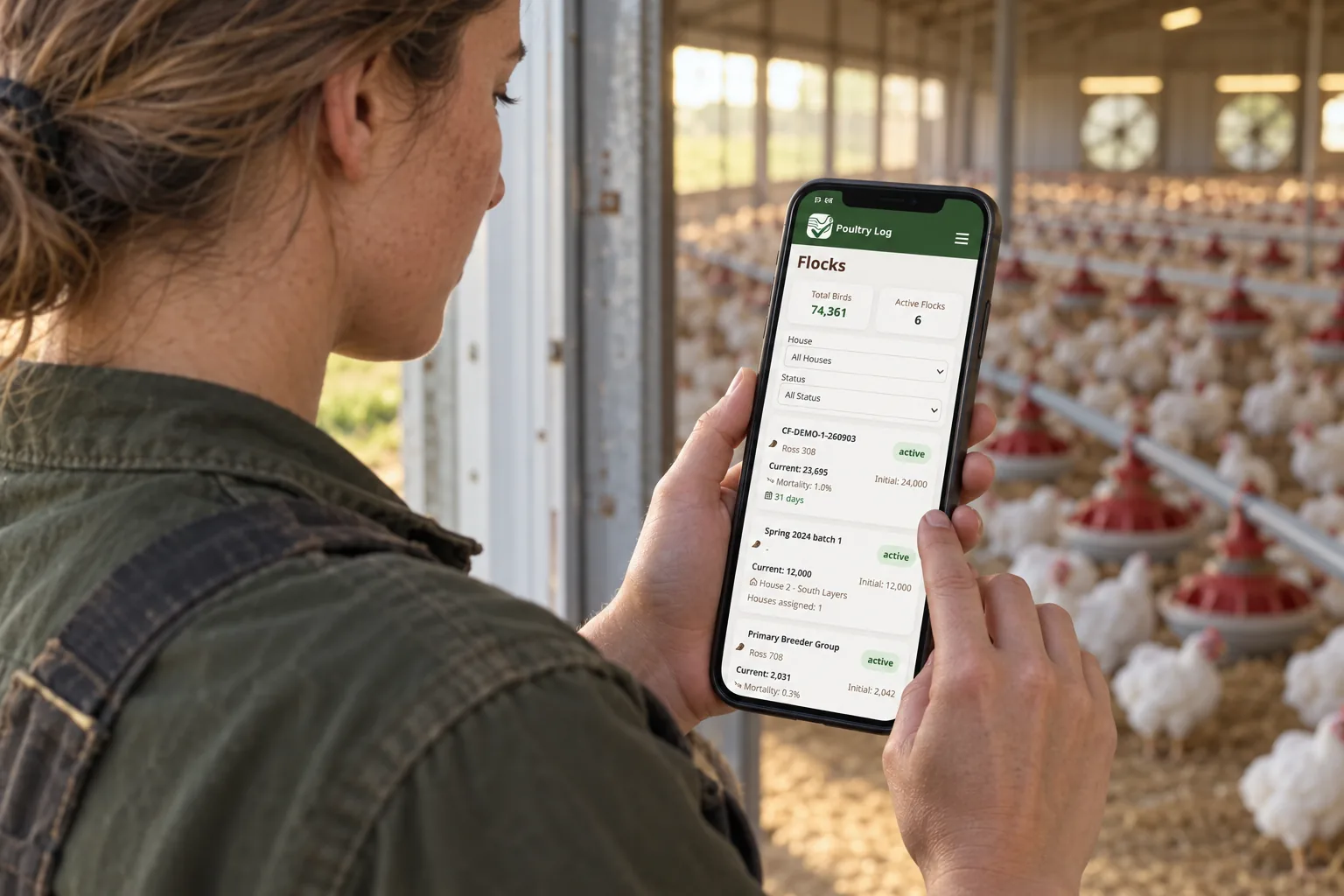
A beginner's app choice is not about features — it is about whether the habit survives the first flock. New growers quit apps that fight them, and they abandon apps that demand structure they do not yet understand. The right beginner tool gets a first flock logged completely, teaches the daily walk habit, and grows with the operation instead of being replaced by it. This page covers what beginners should demand from a first poultry app, what to verify before committing, and how to evaluate without drowning in feature lists.
What Should a Beginner Demand from a First Poultry App?
| Demand | Why It Matters for a Beginner | What to Verify in Any App |
|---|---|---|
| Setup measured in minutes, not evenings | A beginner who fights the setup abandons the tool before the first real entry — and then has no record when they need one | Time the setup: farm, house, flock, first entry. If it takes an evening, keep looking |
| Fast daily logging with sensible defaults | The habit that produces useful records is the one that survives a busy day — friction kills it in week three | Log a mortality entry and a water reading on mobile; time both |
| Structure you grow into, not out of | Beginners outgrow simple counters fast — the tool should support flocks, houses, and costs from day one even if you use them later | Confirm the app models houses and flocks, not just a bird count |
| Export and ownership from day one | The beginner who exports periodically never faces the migration panic the migration guide describes | Read the export terms before signing — free or paid |
| Guidance without condescension | A beginner needs to know what to log and why — the app that explains the daily walk beats the app with fifty screens | Ask what onboarding looks like in the first two weeks |
What to Verify Before You Commit
- Run the first-flock drill: set up a farm, a house, a flock, and log one full simulated day — mortality, water, note. Time the whole sequence. This is the app's real cost: your daily minutes.
- Check the beginner trap questions: Does it export? Do entries carry time of day? Does it model houses? A tool that fails these three will be replaced within a season — and replacing means re-entering whatever you exported.
- Ask what happens when you add a second house or flock: the beginner tool should not punish growth. Multi-house and multi-flock support from the start is what "grows with you" actually means.
- Verify the free path honestly: free tiers and trials are the right way to start — see the free app guide for what free does and does not include.
Where PoultryLog™ Fits for Beginners
PoultryLog™ asks a beginner for one habit — log the daily walk, time-stamped, house by house — and everything else follows: trends appear, costs accumulate, and the record set that serves audits and settlement builds itself from week one. Its honest trade: it asks for more structure than a bare counter (that structure is what makes the records worth having), and it is built for commercial broilers — a backyard keeper or mixed-farm beginner should evaluate against the segmentation table in the buyer's guide. The one-flock trial this industry trusts is the same evaluation: run one full flock, log daily, compare what the record shows at the end against what you remember. Details: how to use a broiler management app and starting broiler farm records.
Where the Money Shows Up
For a beginner, the money shows up in what the first flock teaches that the second flock banks. A complete first-flock record reveals what the feed bill actually did, where mortality clustered, and what the settlement really paid — the numbers that decide what to change next season. Without the record, the first flock teaches nothing transferable, and the second flock repeats the first one's expensive lessons. The profitability guide shows where that record turns into margin; the break-even price is the first number every beginner should be able to compute from their own records.
- Poultry management software buyer's guide — the full evaluation framework.
- How to start broiler farm records — the record set from day one.
- Best free poultry app — what free actually gets you.
- 2026-10-05: Comprehensive rewrite. Beginner demand table, first-flock drill, and growth-with-you framing — replacing the earlier short self-ranking version.
- Earlier version: "best app for beginners" ranking with unverified competitor claims.