
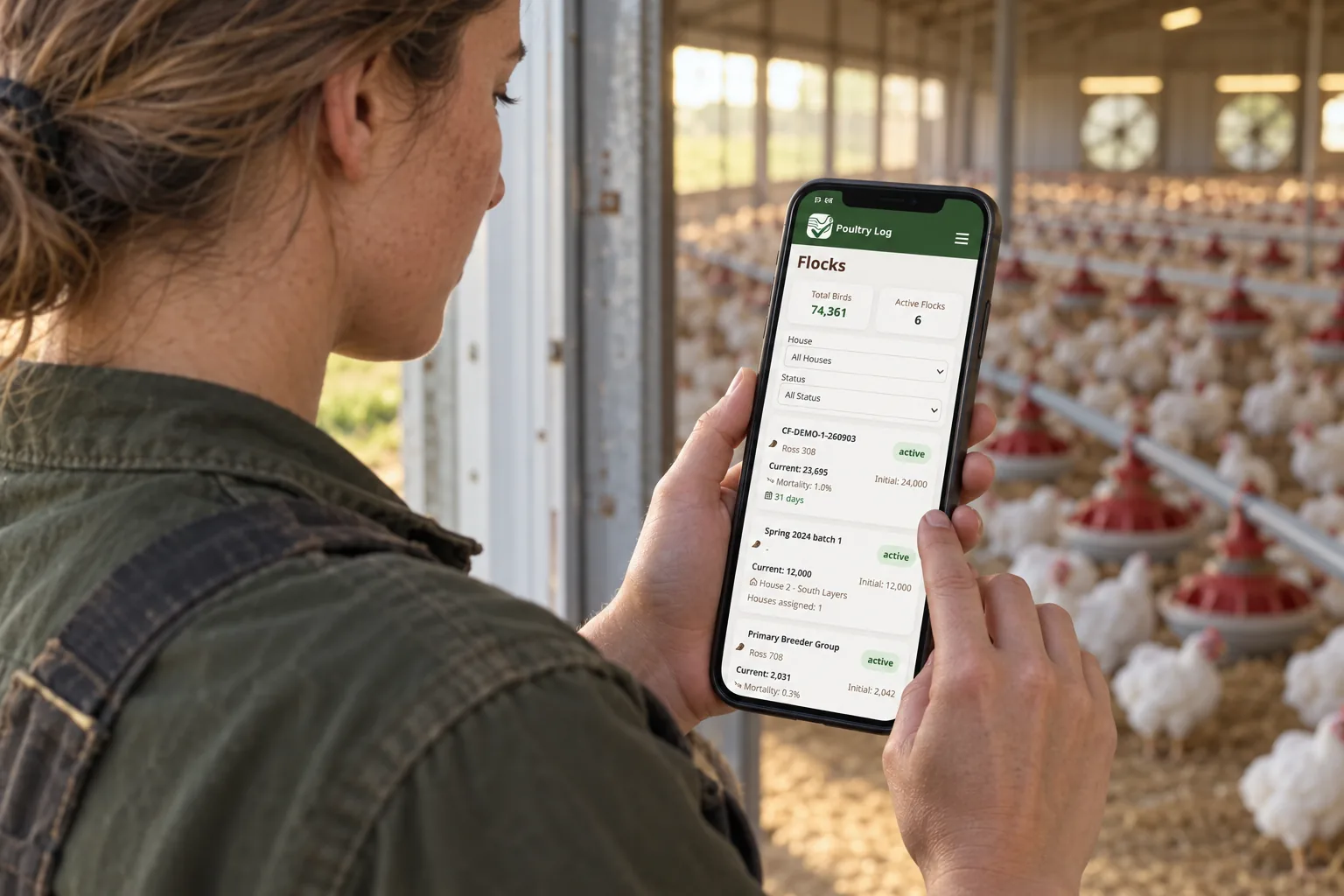
Growers leaving Herdwatch for a poultry-specific system usually make the decision in the barn, not the office: the moment that decides a migration is when a field entry — mortality, a weight, a water observation — takes longer than the walk allows, or when the record made in the field does not surface as a number the office can use. This page covers the field-entry check for growers considering the switch, the staged cutover, and what the migrated record produces. It makes no claims about Herdwatch's features — the check items are yours to answer against your own account, and the side-by-side comparison covers feature-level detail separately.
The Field-Entry Check
| Verify In The Barn, Not The Office | Why It Decides the Switch |
|---|---|
| Time from observation to entry | Time a full record set — mortality by house, a weight sample, a feed observation — in your current app, gloves on, in actual barn conditions. If it takes longer than the walk, entries get reconstructed later or lost. |
| Offline behavior | Walk the dead-signal corner of the house with your current app open. Does entry continue, queue, or fail? The offline mode guide covers why this matters in real barns. |
| Time-of-day capture | Does the entry record when the event happened — not when you finally typed it? The mobile logging guide covers the operational difference. |
| Office-side surfacing | Does what you entered in the barn appear in the reports the office runs on — or does someone re-key it? |
The Staged Cutover
The migration follows the cluster standard (the migration hub covers it fully): start at a clean boundary — a new flock placement or the first of a month; seed the active flock's current state; move finance history through the finance CSV import where rows exist (Growth plan and above); keep the old system read-only for one cycle; verify at the first settlement compared line-by-line against the new record. The desktop migration guide covers the same field-first ordering for office-based systems.
What the Migrated Record Produces
Entries land during the walk with time-of-day, in structured fields that join trend lines directly — the cause-signature table shows why mortality structure matters. Growth against the growth chart comes from weights logged in the barn; cost per bird comes from expenses attributed per flock; and the tournament position improves from the record that makes every weight and feed number defensible at settlement.
Frequently Asked Questions
What if my current app passes the field-entry check?
Then weigh what else the migration would change — the report outputs, the per-flock cost structure, the settlement record. The buyers checklist covers the full comparison.
Should I test the new app before committing?
Yes — run it for one full barn walk under real conditions before the boundary. The iPhone app guide covers what field testing should include.
What happens to records made in the old app after the boundary?
Nothing — they stay as the read-only archive; the new system owns records going forward. The migration hub covers the archive approach.
- 2026-10-06: Comprehensive rewrite as an honest field-entry check migration guide — barn-condition verification table, staged cutover reference, and no competitor feature claims — replacing the earlier version with fabricated first-person claims.
- Earlier version: first-person narrative about switching from Herdwatch.