

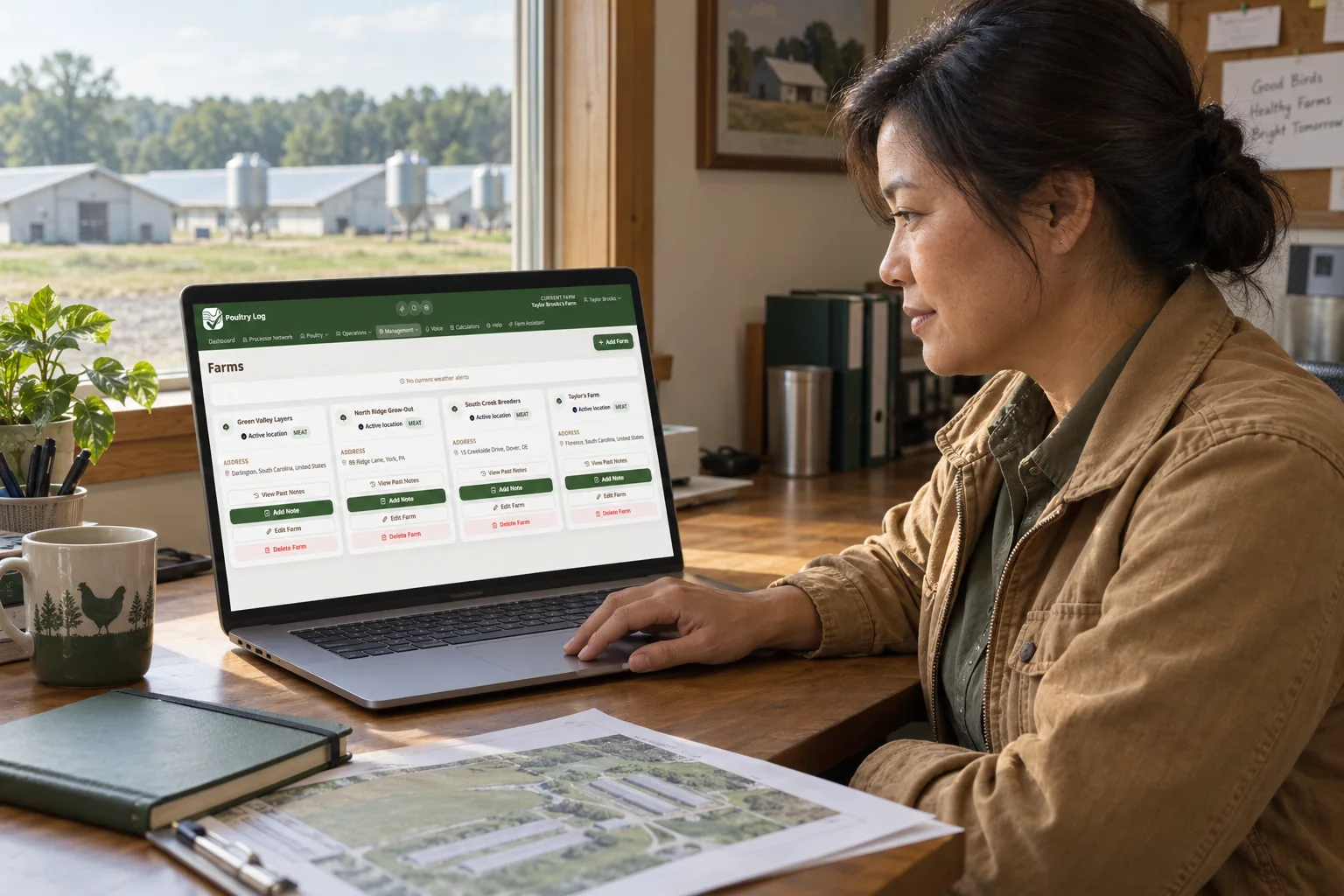
If you grow for a processor or integrator, joining their poultry network is usually a two-minute job, not an IT project. In Poultry Log, the processor gives you a join code, you enter it in Settings, you read exactly what would be shared, and you decide. Nothing flows until you confirm, and you can remove the link whenever you want. This guide walks through what actually happens at each step.
Step 1: Get the Code from Your Processor
Your processor or integrator issues the code. It is not something you create yourself, and it is not something anyone outside your processor's network can use to pull your records. If you are unsure whether your processor uses Poultry Log's network, ask your field service representative; the console they would use to review your records is the same system your code connects to.
Step 2: Enter the Code in Settings
Open Poultry Log Settings on your phone or computer, find the processor network section, and enter the code. The system validates the code and shows you the processor's name and region before anything else happens. This is the check that keeps a typo from linking you to the wrong place: you see who you are about to connect with, and if the name is not who you expected, you stop there.
Step 3: Read the Consent Disclosure
Before you confirm, the disclosure lists exactly what your processor would be able to see:
- Compliance checklists and completion history
- Flock mortality, culls, water and feed use, and weights versus targets by house and flock
- Farm name, house count, capacity, and region
It also lists what stays yours: your login, your billing details, your precise GPS location, your farm's street address, and any other processor's checklists. The disclosure is versioned, so there is a record of what you agreed to at the time you agreed to it.
Step 4: Confirm the Link
Confirming creates the link. One farm can hold one active processor link at a time, so if you were previously linked to a different processor, you will be asked to acknowledge that current link before replacing it. If your farm is shared with a partner or family member, note that only the farm owner or manager can consent to sharing; delegated worker accounts cannot make this decision for the farm.
What Happens After You Join
From then on, the records you already keep in Poultry Log are visible to your processor in their console: your submitted checklists, your house performance data, and your farm profile fields. Your processor sees a read-only view. They cannot edit what you logged, and they cannot see anything outside the list above.
Step 5: Leave Whenever You Want
You can remove the processor link at any time in Settings. Revoking stops new data from flowing immediately. One thing to know in advance: records your processor already received while the link was active stay visible to them for audit purposes, the same way a paper record you already handed over stays handed over. The difference is that in Poultry Log, the handover was scoped, disclosed, and timestamped from the start.
Where Poultry Log Fits
Poultry Log is your system first, which is why the processor link is something you control rather than something that happens to you. The full allowlist and exclusion list are covered in the grower data sharing consent guide, what your processor sees is described in the processor network explained guide, and the records themselves in the poultry farm digital records guide. If your processor is not on Poultry Log yet, start free at poultrylog.com and keep your own truth next to the settlement.
Frequently Asked Questions
How do I join my poultry processor's network in Poultry Log?
Get the join code from your processor, enter it in Poultry Log Settings, review the consent disclosure that lists exactly what would be shared, and confirm. The whole flow takes about two minutes and can be done on a phone.
Can my integrator see everything in my farm app?
No. Under a processor link, your integrator sees your compliance checklists and completion history, mortality, culls, water and feed use, weights versus targets by house and flock, and your farm name, house count, capacity, and region. Your login, billing, precise location, street address, and other processors' checklists are never shared.
Can I disconnect from my poultry processor?
Yes. Remove the processor link at any time in Poultry Log Settings, which stops new data sharing immediately. Records already shared while the link was active remain visible to your processor for audit purposes.