
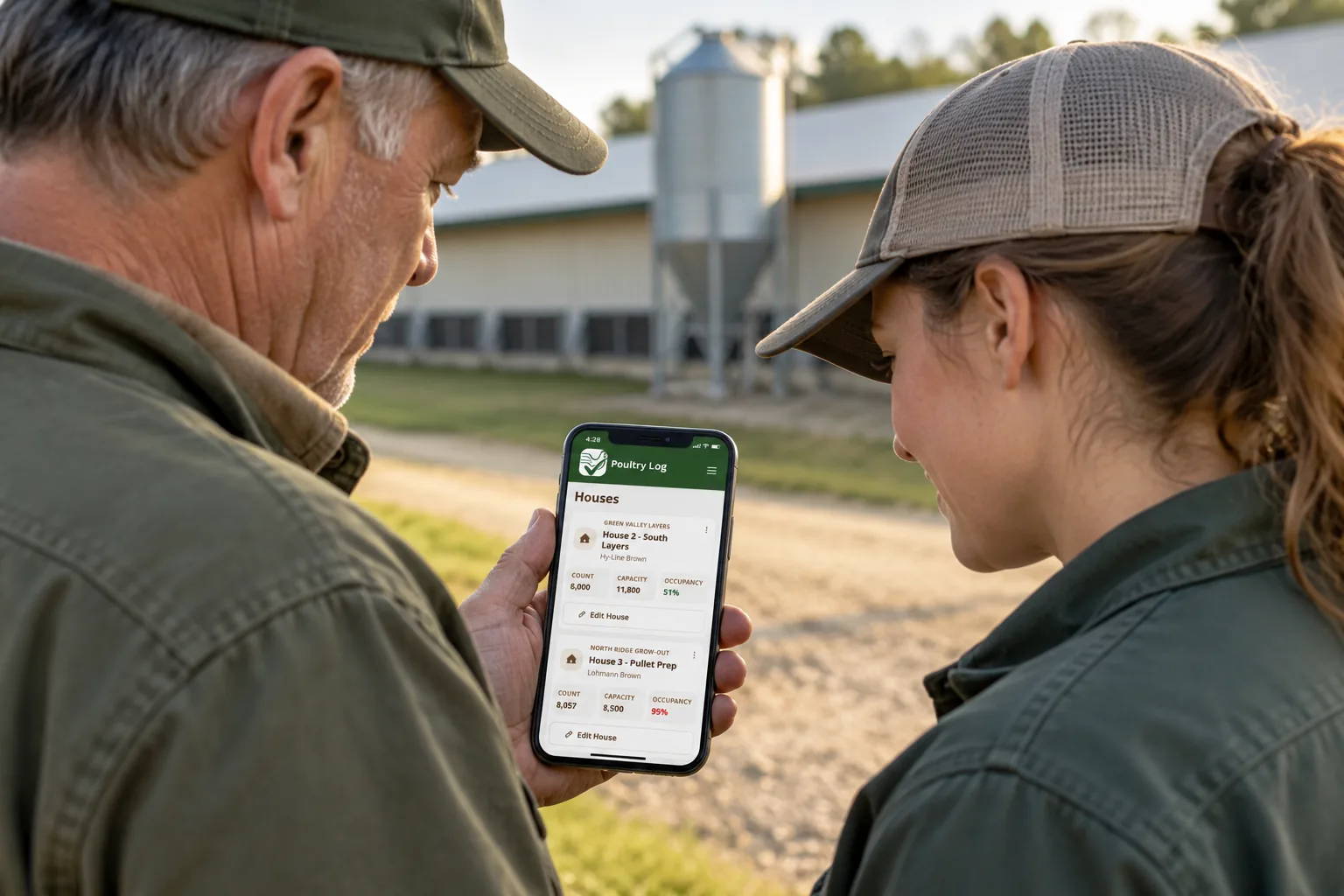
How PoultryLog™ turns farm records into a flock cost review
PoultryLog™ connects poultry operations with financial decisions. The useful question is not simply whether yesterday's record was saved: it is whether your flock's costs and income are complete enough to decide what to do next. This page explains our product's recordkeeping workflow. It is a vendor description, not an independent recommendation.
Start with the correct house and flock
Create your farm structure and current flock, then use the relevant house or flock workflow for water, feed, mortality, culls and weights. Check the selected house, date, time and units before saving. Correct context matters more than the number of records you collect. Some records are farm-wide; do not assume that every entry is automatically assigned to a flock.
Operational records give context for changes in performance. They do not replace environmental controllers or sensors. PoultryLog™ is an operational and financial layer; it is not a ventilation or temperature control system.
Capture costs you actually pay
Record utilities, litter, labor, repairs and other grower-paid costs, assigning expenses to a flock when appropriate. Record income for the relevant flock and review the resulting financial picture. Unassigned or shared farm costs need a deliberate allocation; incomplete income or expenses can make a displayed margin misleading.
For contract growing, integrator-owned chicks or feed should not be treated as your cash cost simply because their quantities appear on a flock report. Independent producers need a different budget because they own and sell their birds. The [free poultry budget calculator](/blog/poultry-farm-budget-template) explains both models.
Review the next action
Compare an expense increase with the underlying receipt, delivery or maintenance record. Check whether the comparison covers the same period and flock. Prioritize the cost you can act on: a utility overrun, a repair problem or missing income. Use a financial result as a prompt to investigate, rather than assuming the software can explain every cause.
Our [broiler farm management software page](/broiler-farm-management-software) describes the commercial grower workflow. The [expense tracking page](/poultry-farm-expense-tracking) covers cost capture, and [processor tools](/processors) address collecting compliance records across a grower network.
Share the right report
Finance supports expense and income CSV exports. Processor compliance has a separate reporting workflow. Check the required format and fields before a review: available exports do not imply automatic integration with every integrator, accountant or regulator. Recording a form does not guarantee an auditor will accept it.
Test your own farm routine
Use a sample flock to enter records, assign a cost and review the totals. Test worker access, connectivity and any required export on your actual phone. Offline capabilities vary by workflow; verify the screens you need and confirm pending records synchronize before relying on them. See [daily recordkeeping selection](/blog/best-app-for-poultry-farm-recordkeeping) for an entry checklist and [data management](/blog/best-app-for-poultry-farm-data-management) for access and export checks.
Review the current [PoultryLog™ plans](/index.php?page=pricing) before deciding. The value depends on accurate records and consistent review, rather than a guaranteed saving or settlement outcome.